The Life Skills Brochure Template Set: Your Design Toolkit
Let’s talk about streamlining your workflow. If you’re crafting materials for a coaching program, a community workshop, or any project focused on personal development, you know that design time can eat into content time. That’s exactly where the Life Skills Brochure Template Set steps in. This isn't just a single layout; it’s a coordinated system of four distinct vector layouts, designed to give you a professional starting point you can adapt in minutes. Think of it as your foundation—a clean, modern framework waiting for your unique content.
A Clear, Modern Foundation for Your Message
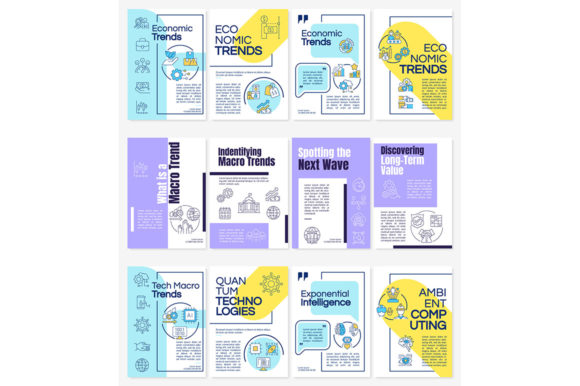
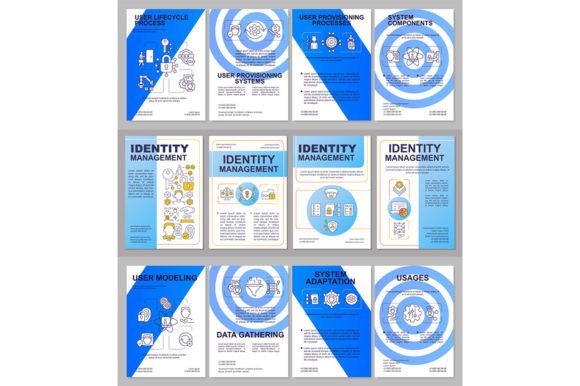
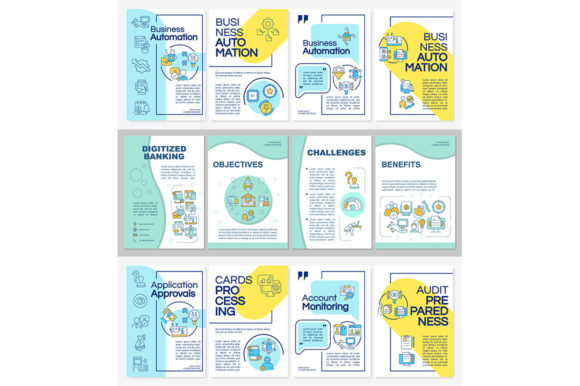
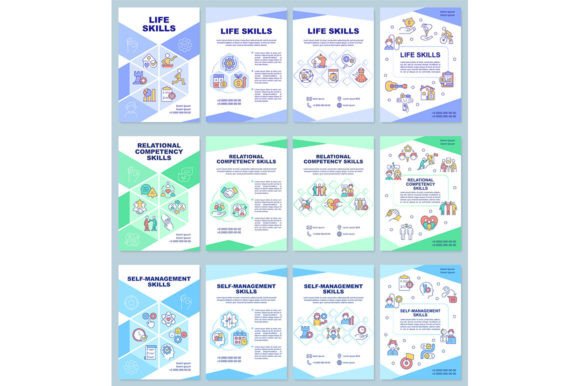
Visually, this set speaks in a clear, confident voice. The design leverages linear icons—those simple, outline-style graphics—to visually represent concepts like communication, finance, health, or learning. This icon style is inherently clean and universally understood, avoiding visual clutter that can distract from your core message. The templates themselves are built on a structured layout, providing strong visual hierarchy so your headlines, body text, and key points are immediately distinguishable.
The included fonts, Arial Black and Myriad Pro Regular, play a crucial role in this clarity. Arial Black provides a robust, sans-serif weight for headlines and calls to attention, while Myriad Pro Regular offers a clean, highly readable sans-serif font for body text and descriptions. This pairing isn't about flamboyant typography; it’s about functional, modern typography that ensures your information is absorbed effortlessly. The overall appeal is one of organized professionalism—it feels trustworthy and approachable, which is precisely the tone most life-skills content aims to achieve.
Where This Template Set Fits in Your Projects
The applications for this template set are broader than the name might imply. While it’s perfect for actual life skills brochures, its utility extends into many areas where clear, structured information delivery is key. Designers and marketers can use these layouts for client-facing service overviews, workshop summaries, or non-profit program leaflets. Entrepreneurs and small business owners can adapt them for internal training manuals or customer onboarding guides. Bloggers and content creators might use the layouts to produce downloadable PDF resources for their audience, adding tangible value to their digital content.
Because the source files are provided in EPS, AI, JPEG, SVG, and PNG formats, you have complete flexibility. Use the vector files (EPS, AI) to edit every element in Adobe Illustrator for a custom print brochure. Use the PNGs on a transparent background to quickly create a graphic for a website sidebar or a social media post announcing your new course. This cross-format utility makes the set a true multi-platform asset, seamlessly bridging print and digital needs without requiring you to start from scratch for each medium.
Building Consistency and Professional Recognition
Using a cohesive template set like this does more than just save time. It builds visual consistency across your materials. If you’re running a series of workshops, having each subsequent brochure follow the same structured design and typographic rules creates a recognizable visual identity. Your audience begins to associate that clean, icon-driven look with your brand or program, enhancing professionalism and fostering trust. This consistency aids in audience engagement because the familiar format makes new information feel accessible and part of a coherent system they already understand.
The visual hierarchy baked into the layouts directs the reader’s eye logically, improving comprehension. A strong headline in Arial Black grabs attention, the linear icons break up text into digestible concepts, and the comfortable body text in Myriad Pro allows for extended reading without strain. This thoughtful structure, which you inherit from the template, means you can focus entirely on your message, confident that the design is already working to communicate it effectively.
Practical Guidance for Using Your Templates
When you download the zip file containing the three brochure templates, your first step is exploration. Open the vector files and look at the four layouts. Each will offer a different arrangement of space for icons, text, and imagery. Choose the one that best fits the amount and type of content you have. A layout with multiple small icon spots might be perfect for a quick-reference guide, while a layout with larger text blocks suits a more descriptive, narrative brochure.
Next, consider your specific project fit. Are you printing these? The high-resolution JPEGs and vector files are your go-to. Are you creating digital-only content? The SVG and PNG files will integrate directly into web or screen design. Remember, these are editable templates. You can change colors to align with your brand palette, replace or resize the linear icons if you have others you prefer, and of course, fill the text placeholders with your own copy. The fonts are embedded, but if you need to pair them with another typeface for a logo or special call-out, look for simple sans-serif fonts that won’t compete with the clean aesthetic—geometric sans like Futura or simple humanist sans like Open Sans can work well.
Finally, a crucial practical point: licensing. These templates from BSD Studio are designed for commercial use. This means you can use them in projects for your clients, your business, or your paid workshops without additional licensing worries. It’s a premium asset that removes a layer of legal uncertainty, allowing you to focus on creation. And because BSD Studio updates their offerings with new topics and discounts weekly, subscribing to their updates can be a smart way to continue building your library of efficient design tools.
Moving Beyond the Template
The real value of a template set like the Life Skills Brochure Template Set is that it gets you to the finish line faster, but it doesn’t lock you into a generic look. By customizing the colors, swapping in your own photos or graphics, and injecting your unique voice into the text, you transform a professional foundation into a distinctive piece that serves your specific goals. It’s the difference between building on a solid concrete slab versus trying to pour and level that slab yourself every single time. For designers, marketers, educators, and creators, that efficiency and head-start in quality is often the key to maintaining a sustainable and professional creative practice.